Resize Image Online - Pixels, CM, MM & Inches
Output:
Note:- You can resize 10 images at once.
This image resizer changes your picture to any dimensions you type. Enter a width and height, press Resize, and download. You can work in pixels, centimeters, millimeters, or inches. Aspect ratio lock keeps faces from stretching. Up to 10 images resize in one batch, free.
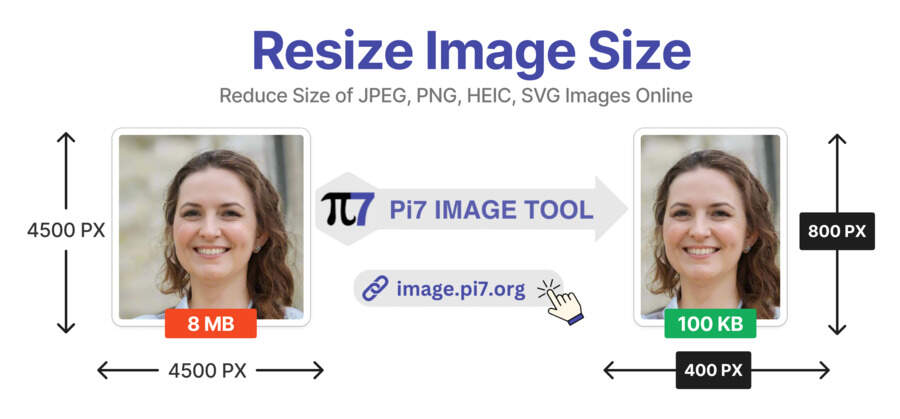
How to Resize an Image
- Upload: Select your image or drag it into the box.
- Enter Dimensions: Type the width and height. Pick your unit: pixels, cm, mm, or inches.
- Resize and Download: Press the button and save the resized file.
Resize in the Unit Your Form Uses
Forms rarely speak the same unit. Web uploads want pixels. Indian government forms often quote centimeters, like 3.5 x 4.5 cm. Print shops think in inches and DPI. This tool takes all of them directly, no conversion math needed. Set the DPI field when a form names one, usually 200 or 300. The saved file carries that DPI so validators accept it.
Resize Without Stretching Faces
Keep the aspect ratio lock on whenever both sizes are flexible. The tool then fits your photo without distortion. Turn it off only when a form demands exact width and height. If the forced shape crops badly, crop first with the built-in crop button. Small tip: enlarging a tiny image cannot add detail. Start from the biggest original you have.
Need the file smaller in KB rather than dimensions? Use reduce image size in KB. Common exact sizes have preset pages, like 3.5 x 4.5 cm and 600 x 600 pixels.
Common Sizes People Ask For
- Passport and ID photos: 3.5 x 4.5 cm or 2 x 2 inches.
- Government forms: 200 x 230 pixels for photos, 140 x 60 for signatures.
- Social posts: 1080 x 1080 pixels for square feeds.
- Profile pictures: 300 x 300 or 512 x 512 pixels.
- Print at 4 x 6 inches: 1200 x 1800 pixels at 300 DPI.
We see 3.5 x 4.5 cm asked for more than any other size. Type any size directly, or use the preset pages linked above.
DPI Only Matters for Print
DPI confuses more people than any other setting here. On screens, DPI changes nothing: only pixels count. For printing, DPI tells the printer how densely to place those pixels. A form that demands 300 DPI wants print-quality sharpness. Set the DPI field only when your form names a number. Otherwise leave it alone and think in pixels or centimeters.
Auto-Delete Covers Every Resize
Privacy here is not a setting. It is the default. Your image travels encrypted, gets resized, and comes straight back. Our server erases it within 20 minutes, every time. Nothing you resize is kept, shared, or inspected.
FAQ
Can I resize by percentage?
Type the target dimensions instead: half the width and height equals 50 percent.
Does resizing reduce quality?
Shrinking keeps photos sharp. Enlarging beyond the original softens them: the pixels have to come from somewhere.
What formats can I resize?
JPG, PNG, WebP, and any image your browser can open.