Blur Image Online
Blur a full photo or just the background, right in your browser.
Blurring an image online means softening pixels across part or all of a photo, so faces, text, or backgrounds turn soft and unreadable. Pi7's blur tool runs on a canvas in your browser: pick Gaussian or Motion blur and drag one slider. For a standard whole-photo blur, nothing ever reaches our servers.
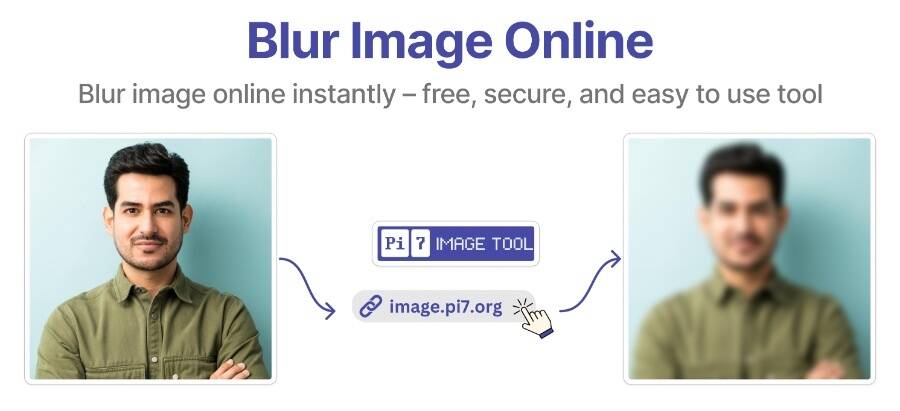
Blur a Photo in 3 Steps
- Select or drag in your photo. JPG, PNG, and HEIC all work.
- Pick Gaussian or Motion Blur and drag the sliders. Check "Blur Background" to keep the subject sharp.
- Click Download to save the result. No sign-up, no limit.
How Far Should You Push the Slider?
The Blur Factor slider runs from 1 to 40, starting at 10. Low numbers give a light softness good for a subtle depth-of-field look, while pushing past 25 scrambles enough detail that faces and text stop being readable. Motion Blur instead uses an Angle, a Distance, and a Samples count to create a directional streak rather than an even fog.
How Do I Blur Only the Background?
Check "Blur Background" and Pi7 sends your photo to our server for a quick round trip. An AI model scans the image, finds which pixels belong to the main subject, and returns a mask outlining that shape. Your browser keeps the subject sharp while blurring everything outside the mask. This is the only step that leaves your device. Manual blur never does.
Real Reasons to Blur a Photo
People reach for a blur tool for reasons beyond style:
- Hiding faces in a group photo before posting. Our blur face tool finds them automatically.
- Covering a license plate in a car photo or listing.
- Blocking out a home address on a shipping label or ID.
- Softening account numbers or text in a screenshot before sharing.
Does Pi7 Ever See Your Photo?
It depends on which blur you pick. Gaussian and Motion blur run on canvas math in your browser, so a standard blurred photo never leaves your device. Background-only mode is different: it uploads your photo over HTTPS for subject detection, and that copy is deleted within 20 minutes.
Quick Answers
Can I undo a blur once I download the photo?
Not with certainty. A strong blur scrambles pixel data for good. A light blur over plain text is different - sharpening tools can sometimes guess letters back from a weak one, so use a high Blur Factor or pixelate for anything sensitive. For a photo that came out blurry by accident, try our unblur image tool instead.
Does blurring strip the location data from my photo?
Yes, as a side effect. Saving through a canvas drops EXIF data such as GPS coordinates automatically, along with the blur itself.
What is the difference between Gaussian and Motion blur?
Gaussian blur softens evenly in every direction, so it works best for hiding a face or a background. Motion blur pulls pixels along one angle for a sense of speed, spreading detail less evenly.
Can I blur just one small spot, like a license plate?
Not by drawing a shape. This tool blurs the whole photo or isolates the background, but can't select one region by hand. For a single plate or signature, our pixelate tool works better, since blocky pixels are harder to reverse than a soft blur.