MP4 to JPG Converter - Save Any Video Frame as a Photo
Save any frame of a video as a JPG, PNG or WebP picture, or take every frame at once. The video is read on your own device, so nothing is uploaded.
Reading the video...
Keys: ← → one frame, Shift + arrows one second, Space play. Drag the bar to scrub.
Frames are read and saved on your device. Nothing is uploaded.

This MP4 to JPG converter saves any frame of a video as a photo, free, right in your browser. Step to the exact frame you want and download it at the video's full size. Or take every frame, one frame every second, or any range in between as JPG, PNG or WebP. The video is read on your own device, so nothing is uploaded.
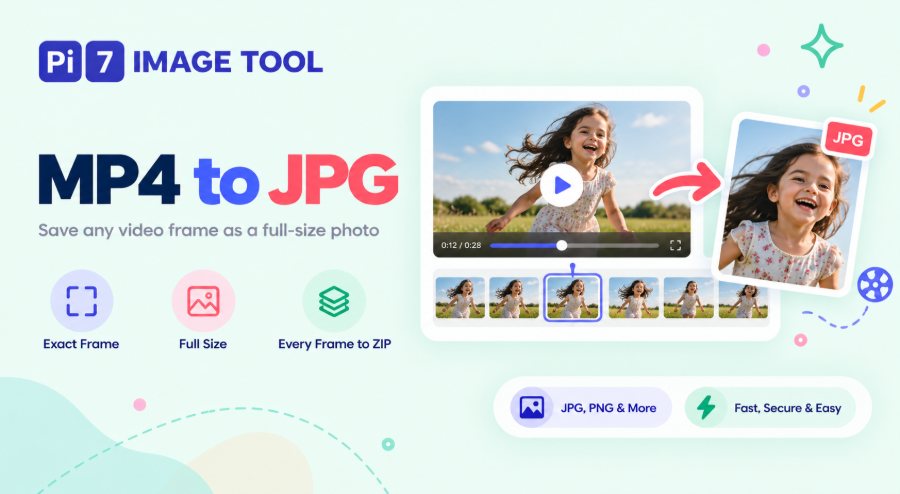
How to Convert MP4 to JPG
- Select Video: Press Select Video, or drag the file onto the box. The first frame appears with a filmstrip under it, usually within a second, even for a long video.
- Find the frame: Drag the bar under the preview, click a filmstrip picture, or type a time such as 1:23.5 in the time box. Use the Frame buttons to move one frame at a time, or the arrow keys on a computer.
- Download this frame: Press Download this frame as JPG. The picture opens in a card with its size in KB and a Download Image button.
- Or take many frames: Under Many frames, pick how often to take one, set the range with Use current frame, and press Extract. The count line tells you how many images you will get before you start.
Want a few moments from the same video? Press + Add to picked frames at each one, then press Download under Picked frames to get them together. Each file is named with its time, so a frame from 3.3 seconds is saved as video-0m03s30.jpg.
Why Is a Saved Frame Better Than a Screenshot?
A screenshot gives you the screen, not the video. It is the size of your phone display, it often catches the player buttons, and pausing rarely lands on the frame you wanted. This tool reads the video file itself, so the photo comes out at the real size of the recording. That is 1920 x 1080 for full HD, or 3840 x 2160 for a 4K clip.
A video has 24, 30 or 60 frames in every second, and only a few of them are sharp. The Frame buttons move one frame at a time, so you can step through a moving child, a pet or a goal until the eyes are open and the motion is still. On a computer, the left and right arrow keys do the same, and Shift with an arrow jumps one second.
Save Every Frame or One Frame Every Second
The Take list covers the common jobs. Every frame gives you the full image sequence for animation, 3D scanning or a training set. Ten, five or two frames per second thins that out. One frame every second is the default for short clips, and every 5, 10, 30 or 60 seconds suits long recordings. If you just want an overview, pick 10, 25, 50 or 100 frames spread evenly across the video.
Set From and To by hand, or press Use current frame at the start and end of the part you need. The count line updates as you change anything, for example 31 images, 1920 x 1080, about 4 MB. A single run can make up to 1,500 images. Above that, take fewer frames per second or shorten the range.
The frames come out numbered in order, as video-001.jpg, video-002.jpg and so on, with the time of each one shown on its card. When there are more than four, a Download All as ZIP button bundles them in that order. On a laptop, every frame of a 12-second 1080p clip, 360 images, takes about 7 seconds, and you can press Cancel at any point.
Which Video Files Work? MP4, MOV, WebM, MKV and iPhone HEVC
MP4, MOV, M4V, WebM, MKV, 3GP and TS files open directly. It does not matter whether they came from a phone, a screen recorder, WhatsApp or a camera. Phone videos shot upright come out upright, because the tool reads the rotation stored in the file. Only the parts of the file that hold the frames you ask for are read, which is why a 10-minute video opens in about a second.
Newer iPhones record in HEVC, also called H.265. Those videos work in Safari on any Apple device, and in Chrome or Edge on Windows and Mac with hardware support. If your browser cannot decode a file, the page tells you right away instead of showing a blank picture. AVI, WMV and FLV files cannot be read by web browsers at all, so change them to MP4 first.
JPG, PNG or WebP: Which Should You Pick?
JPG is the right choice for most photos. A full HD frame comes out at about 130 KB on the High setting, and every site, form and app accepts it. Pick PNG when you need the frame exactly as it is, with no compression at all, for example for an animation or a training set. A full HD PNG is around 2 to 3 MB. WebP gives a file about 40 percent smaller than JPG at the same look, but Safari cannot write it, so the option only shows where it works.
Frames are always saved at the video's own size, so a 4K video gives 3840 x 2160 photos and a phone clip gives 1920 x 1080. Nothing is scaled or cropped. If a form asks for a photo under a set size, save the frame here and then use reduce image size in KB to hit the exact number.
Video to Photo on a Phone, No App Needed
The converter runs inside the phone browser on Android and iPhone, so there is nothing to install. Open a video from your gallery, WhatsApp or Google Drive, drag the bar with your finger, and tap Download this frame. On a phone, a Share button also appears above the result, so the picture can go straight to WhatsApp, Instagram or a message.
Two things this page does not do. It cannot read a YouTube or Instagram link, because it only works with a video file that is on your device. And it does not turn an iPhone Live Photo into a video. Want to go the other way and make a clip from pictures? The photos to video maker does that, and video to GIF turns a short clip into a looping GIF.
Your Video Stays on Your Device
The video is opened, decoded and turned into pictures inside your browser, and we never receive a copy of it. When the page opens, it downloads a small video reader from our server. After that, nothing about your file is sent anywhere, which matters for family videos, recordings of your children, and clips kept as evidence. Close the tab and every frame is gone.
Because the work happens on your own device, speed depends on your device. A 4K video takes longer to decode than a phone clip, and PNG takes longer to write than JPG. Keep the tab open while the bar fills, and press Cancel if you change your mind.
FAQ
Is this MP4 to JPG converter free?
Yes. There is no sign-up, no watermark and no limit on the number of videos or the length of each one.
Why does the saved frame look darker or flatter than the video?
That happens with HDR videos, which many new phones record. The photo is saved in normal colour, so very bright parts can look a little flatter than they did on the phone screen. Pick a frame where the light is even and it will match.
Can I get a 300 DPI frame for printing?
DPI is a print setting, not something a video frame has. What matters for a print is the pixel size. A full HD frame, 1920 x 1080, prints well at 6 x 4 inches, and a 4K frame goes up to A4.
Can I convert MOV to JPG from an iPhone?
Yes. MOV files open the same way as MP4. HEVC recordings need a browser that can decode them, so use Safari on an iPhone or Mac if Chrome shows a message.
How do I get a frame at an exact time?
Click the time box, type the time, such as 0:45.5 or 1:02:10, and press Enter. The preview jumps to that moment, and the Frame buttons fine-tune it one frame at a time.