Image Converter
Turn any picture into a JPG, PNG, WebP, AVIF, GIF, BMP, TIFF, ICO or SVG file, free, on your device.
This image converter turns any picture into the format you pick, free, in your browser. Drop in a PNG, JPG, WebP, HEIC, AVIF, TIFF, GIF, BMP, ICO or SVG file. Then choose JPG, JPEG, PNG, WebP, AVIF, GIF, BMP, TIFF, ICO or SVG from the list and press Convert Images. Up to 10 files go at once, and nothing is uploaded.
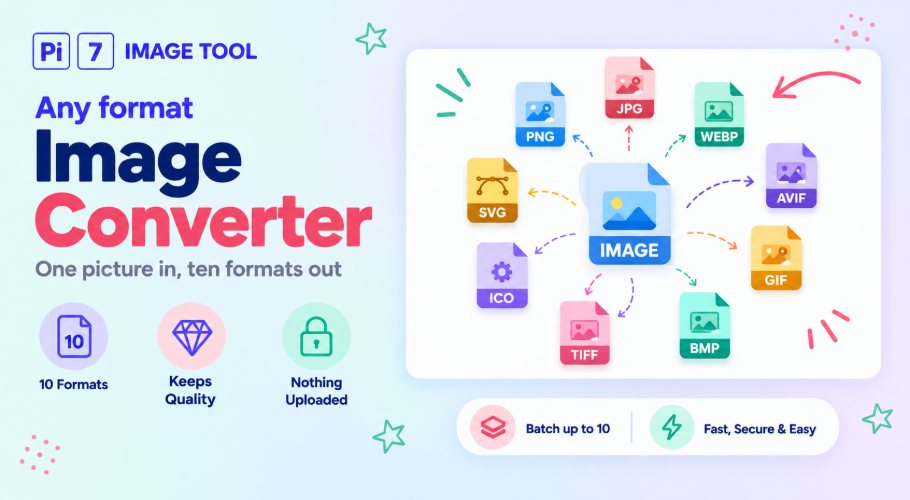
How to Convert an Image to Any Format
- Add your pictures: Press Select Images or drag them in. Up to 10 at once, and they can be a mix of formats.
- Pick the output: Open the "Convert to" list and choose the format you need.
- Set a size, if it is a JPG: With JPG or JPEG picked, tick "Also compress the JPG to a size" and type a number like 50 to get each file under that many KB.
- Press Convert Images: Every file is converted on your device in a few seconds.
- Rename and download: Change any file name in the popup, then save each one, or all of them together.
Which Format Should You Pick?
Most of the time the answer is JPG for photos and PNG for anything with a see-through background or sharp text. The table shows what each choice keeps and what it is good for, so you do not have to guess.
| Format | Keeps transparency? | Best for | Worth knowing |
|---|---|---|---|
| JPG / JPEG | No, filled white | Photos, forms, email | Same format, two spellings. Pick JPEG only if a form asks for .jpeg. |
| PNG | Yes | Logos, screenshots, text | Never loses quality, so the file is bigger than a JPG. |
| WebP | Yes | Websites | Small files. Any current browser can write it, Safari from version 16. |
| AVIF | Yes | Websites | Smallest of all. Made by a small add-on that loads the first time you pick it, so that first convert takes a few seconds longer. |
| GIF | No, filled white | Simple graphics, old software | Limited to 256 colours, so photos look a little rough. One still frame. |
| BMP | No, filled white | Old Windows programs | Not compressed at all, so the file is large. |
| TIFF | No, filled white | Print shops, scanners | Also uncompressed and large. Opens in editors, not in a browser. |
| ICO | Yes | Website favicons, app icons | Sized down to 256 pixels, the most an icon file allows. |
| SVG | Yes | Uploads that only take .svg | Your picture wrapped inside an SVG file. It is not turned into vector line art. |
What You Can Put In
Anything your browser can open as a picture works as input, which covers PNG, JPG and JPEG, WebP, AVIF, GIF, BMP, ICO and SVG. Two formats that browsers cannot open on their own work as well. HEIC photos from an iPhone and TIFF scans are read by small helpers that run on your device, so they convert like everything else.
A picture keeps its full width and height when it changes format. Only two choices scale it: ICO, which has a 256 pixel limit, and a JPG with a size target you typed in.
Need a JPG Under a Size Limit?
Forms often cap uploads at something like 50 KB or 100 KB. Pick JPG or JPEG, tick the compress box, and type the number. The tool lowers the quality bit by bit, and shrinks the picture only if it has to. The file lands at or just under your limit. For an existing JPG that only needs to be smaller, the compress image to 50KB tool is the quicker route.
Doing one swap over and over? The single-job pages are a touch faster to use. Try image to JPG for anything that has to become a JPG. Use WebP to PNG when the transparent background must stay. Pick PNG to ICO if you want an icon file with several sizes packed inside.
Your Pictures Never Leave Your Device
Every conversion runs inside your browser tab, not on a server. Your files are never sent anywhere, so there is no copy for anyone to store, scan, or lose. That is also why a batch of 10 finishes quickly even on a slow connection, because nothing has to travel. Close the tab and the pictures are gone with it.
FAQ
Is it free, and is there a watermark?
Yes, it is free with no signup, and no watermark is added to any format.
Can I convert different formats in the same batch?
Yes. Add up to 10 files of any mix, pick one output format, and they all come out in it.
Can I convert to AVIF?
Yes. Browsers cannot write AVIF on their own, so the tool loads a small add-on on your device the first time you pick it. That first convert takes a few seconds longer, after that it is quick.
Will my transparent background stay?
Yes for PNG, WebP, AVIF, ICO and SVG. JPG, GIF, BMP and TIFF cannot hold transparency, so those get a white background.
Does converting lower the quality?
Not for PNG, BMP, TIFF, ICO or SVG, which keep every pixel. JPG, WebP and AVIF are saved at a high quality setting. GIF is the only one that visibly changes, because it is limited to 256 colours.