WebP to PNG Converter
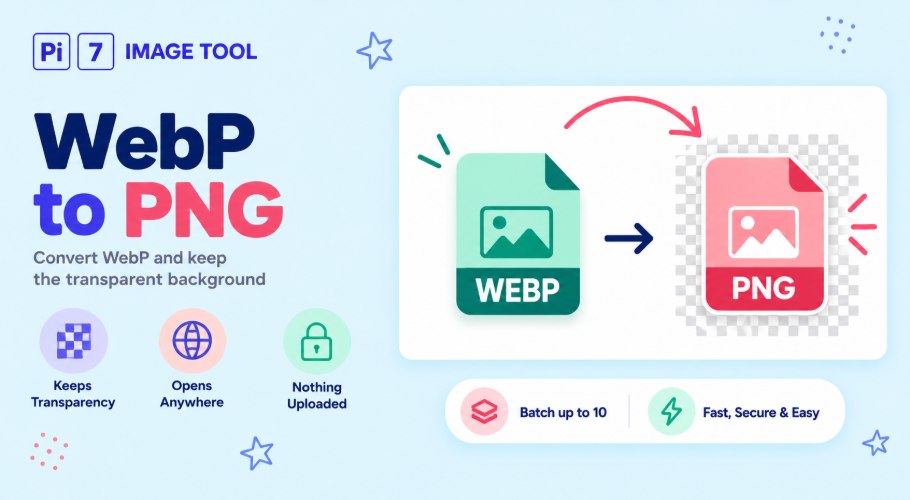
This WebP to PNG converter turns a WebP image into a PNG in your browser, free. If the WebP has a see-through background, the PNG keeps it, so a logo or sticker stays clean with no white box behind it. Nothing is uploaded.
How to Convert WebP to PNG
- Add your files: Press Select Images or drag your WebP files in. You can convert up to 10 at once.
- Press Convert To PNG: Each WebP is turned into a PNG on your device in a few seconds.
- Rename and download: Change the file name in the popup if you want, then save your PNG.
The PNG Keeps Your Transparent Background
This is the main reason to pick PNG over JPG for a WebP. A WebP can hold a see-through background, and so can a PNG, so the transparency carries straight across. A logo, an icon, or a cut-out sticker comes out with clear edges and no white block behind it.
That is the difference from our WebP to JPG tool, which fills any see-through area with white because a JPG cannot be transparent. If your image has no transparency, both give the same picture, and JPG makes a smaller file.
Why Convert WebP to PNG at All
WebP is a newer format that many older programs still cannot open. Some photo editors, a few upload forms, and older phones show an error or nothing at all when you hand them a .webp file. PNG is the safe swap, because almost everything made in the last twenty years opens a PNG without a fuss.
PNG is also the format design tools expect for graphics with sharp edges and flat colour. So maybe you saved something as WebP and now need it in a slide, a document, or an app. Converting it to PNG is usually the quickest way to make it work.
What You Should Know About Quality
A PNG never loses quality when you save it again, which is why it suits logos and screenshots you plan to edit. The honest part is that a WebP saved in its smaller "lossy" mode has already dropped some fine detail. Turning it into a PNG cannot bring that detail back.
What you do gain is a file that will not lose any more, plus the transparency and the wide support. Your picture keeps its full width and height, and the colours stay exactly as they were.
Nothing You Upload Leaves Your Device
Every WebP is converted right here in your browser, not on a server. Your files are never sent anywhere, so there is no copy for anyone to store or scan. The whole job runs on your own phone or computer, which is why even a batch of 10 finishes fast. Close the tab and the files are gone with it.
FAQ
Is it free, and is there a watermark?
Yes, it is free with no signup, and the PNG has no watermark.
Will the transparent background really stay?
Yes. A WebP with a see-through background becomes a PNG with the same see-through background.
Why is my PNG bigger than the WebP?
PNG stores images without squashing them, so it is often larger. That is the trade for lossless quality and wide support. To make it small again, use PNG to JPEG.
Can I convert several WebP files at once?
Yes, up to 10 in one batch, and they all come out as PNG files.