JFIF to JPG Converter
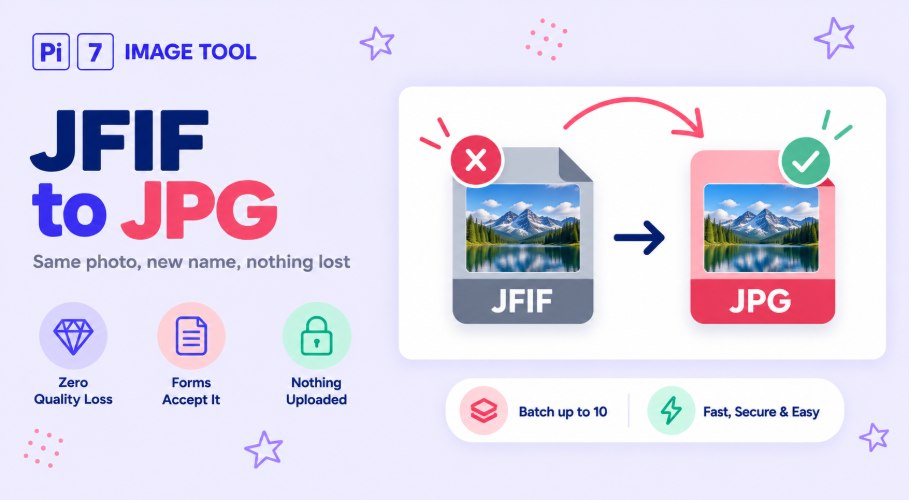
This JFIF to JPG converter turns a .jfif file into a .jpg in your browser, free. A JFIF is already a JPEG picture with a different name on the end, so the photo itself is not touched and nothing is lost. You get back the same picture, saved as a .jpg that every form and app accepts.
How to Convert JFIF to JPG
- Add your .jfif files: Press Select Images or drag them in. You can do up to 10 at once.
- Press Convert To JPG: Each file is saved again as a .jpg on your device, in about a second.
- Rename and download: Change the file name in the popup if you like, then save your JPG.
Why Windows Keeps Saving Pictures as .jfif
You save a photo from a website on a Windows computer, and it lands in your folder as a .jfif file. That happens because Windows sometimes uses the JFIF name for JPEG pictures that come from the web. The picture is a normal JPEG. Only the letters after the dot are unusual.
The trouble starts when you try to use it. Many upload forms only allow .jpg or .jpeg, some apps will not open a .jfif at all, and email or chat apps can refuse it. Swapping the name to .jpg fixes every one of those problems at once.
A JFIF Is Already a JPEG, So Nothing Is Lost
This is the part most converters do not explain. JFIF and JPEG are the same kind of file inside, so there is nothing to change apart from the name. This tool checks the file, sees that it is already a JPEG, and hands the very same bytes back to you with a .jpg name. The result card even tells you so.
That means no quality drop, no colour shift, and no change in size. It is the same photo, only now with a name your form will accept. On a computer you could also just rename the file by hand. On a phone, this tool is much quicker than hunting for the rename option.
Need the JPG Under a Size Limit Too?
Some forms also cap the file size, like a photo under 50 KB or 100 KB. Tick "Also compress the JPG to a size" and type your number, and the tool will make the JPG that small as well. Only then does it touch the picture, lowering the quality a little at a time until it fits.
Got a .jpeg file rather than a .jfif? The JPEG to JPG tool does the same one-letter swap. For a PNG, WebP, or HEIC picture, use the image to JPG converter, which makes a proper JPG out of any format.
Your .jfif File Never Leaves Your Device
The swap happens right here in your browser, not on a server. Your files are never sent anywhere, so there is no copy for anyone to store or scan. Because nothing is uploaded, even a batch of 10 is finished almost as soon as you press the button. Close the tab and the files are gone with it.
FAQ
Is JFIF the same as JPG?
Yes. A .jfif file is a JPEG picture with a different name on the end. Changing it to .jpg does not change the photo.
Will I lose any quality?
No. The tool gives you back the exact same picture with a new name. Quality only changes if you turn on the compress option and ask for a smaller size.
Why do my saved web images end in .jfif?
Windows sometimes uses that name for JPEG pictures saved from a browser. It is harmless, but many forms and apps do not accept it, which is why people convert.
Can I convert several files at once?
Yes, up to 10 in one batch, and each one comes out as a .jpg.